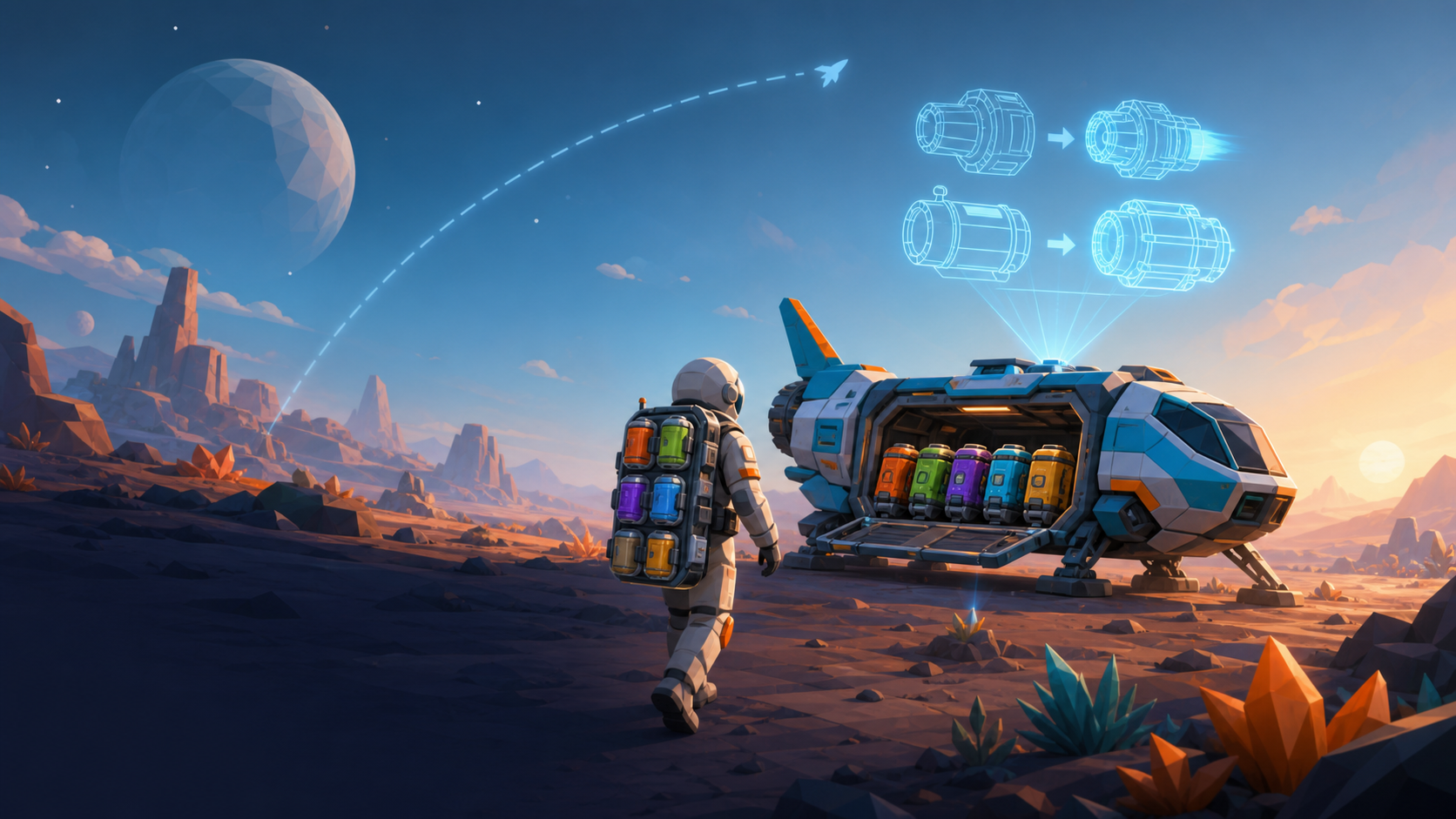
1E BoardYour backpack automatically unloads into ship cargo.
2Tab UpgradeEvery raw material has a clear purpose.
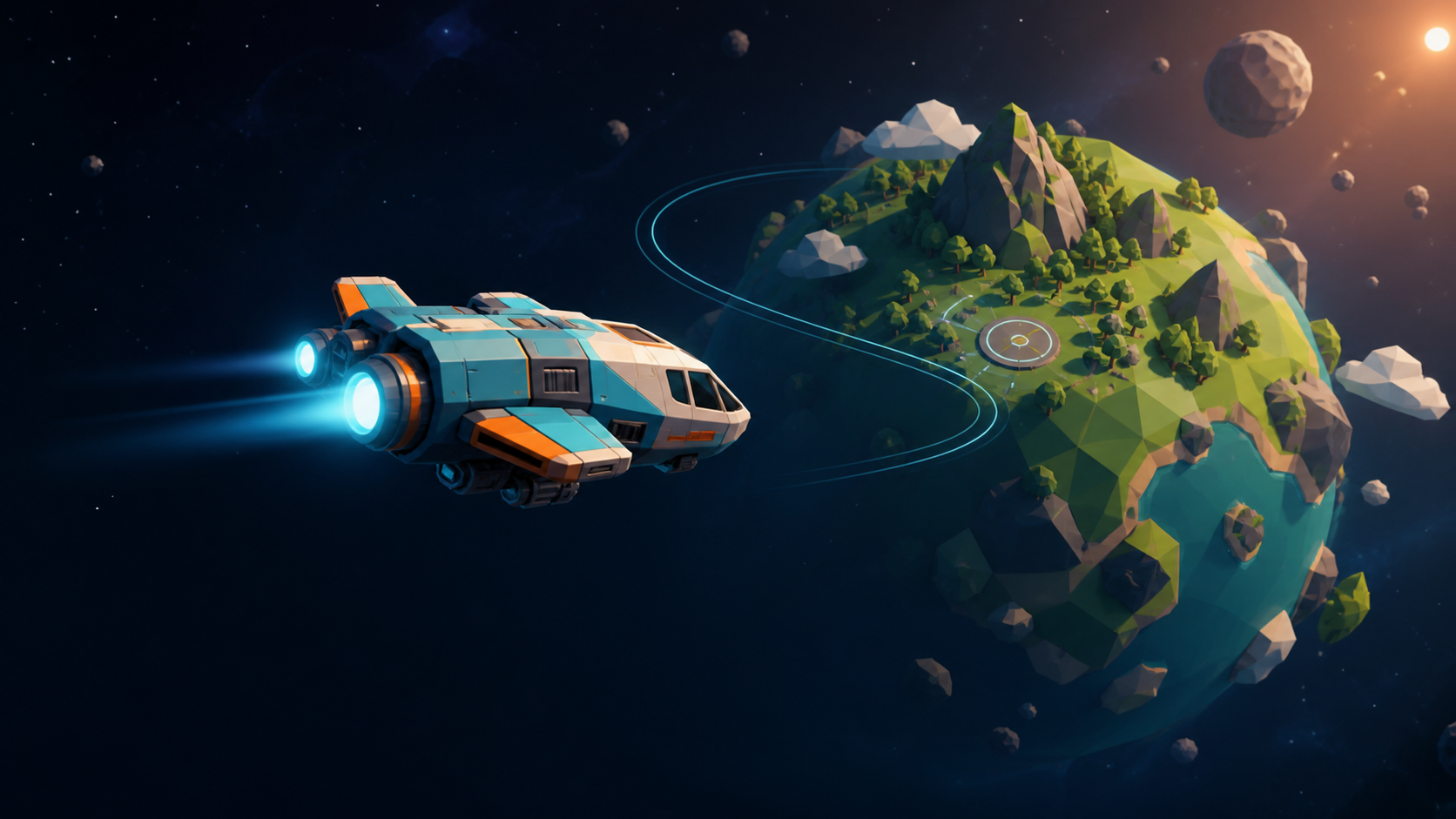
3Space ReleaseThen hold ↑ to climb away from gravity.
Purple artifacts award separate Discovery Points. Deploy solar panels with P to turn Water into Δv.
H
Help is always one key awayPress H during flight, landing, or EVA to reopen this guide. The game pauses while it is open.
Explorer Field Guide
Explore in any order. A useful loop is map → approach → land → EVA → unload → upgrade → launch.
Flight & landing
↑↓Burn forward or brake. Slow down before pressing F to land.
WSPitch; A and D turn. Space launches only after landing.
PDeploy panels for fuel, but retract them before launch.
EVA & recovery
MouseSimply move to look around. No right-click or dragging.
TabOpen the pole map. NORTH / HOME always points to the ship.
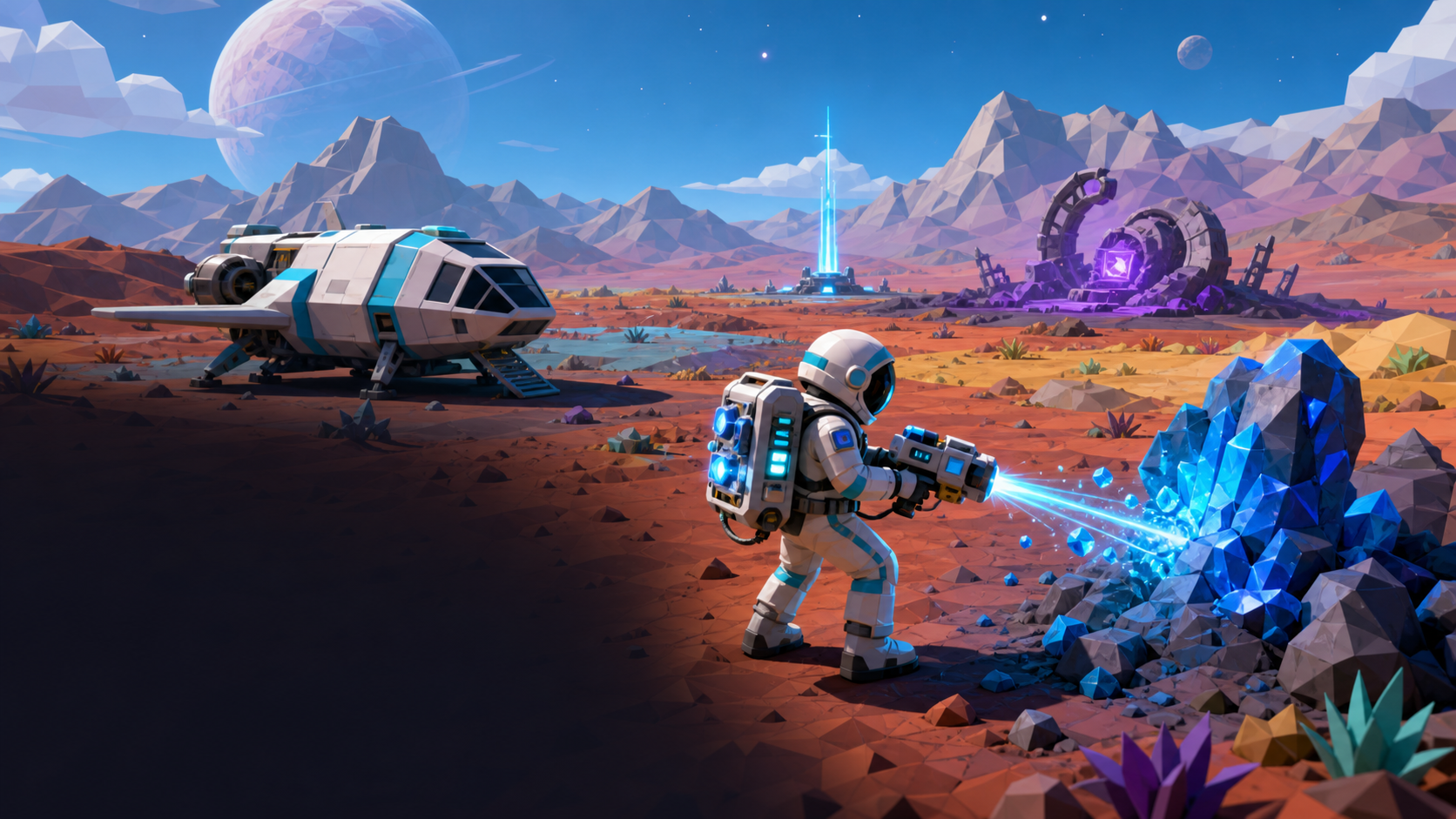
EOpen artifacts or board beside the ship to unload.
BOpen your backpack inventory. Drag minerals, batteries and fuel canisters between your suit and the ship or rover cargo when standing near one — crafting happens here too.
CNear the parked rover and ship, instantly connect a charging cable between their ports. Press again to unplug.
Lost? Follow the compass toward NORTH / HOME, or press Tab for the surface map.Launch tip: Space releases the ship and briefly stabilizes its nose. Then hold ↑ to climb away.Inventory: Press B to open your backpack. Crafting and cargo slots only appear when you're near the ship or rover.
OPEN EXPLORATION
Choose your own direction
Plot a course or simply fly toward anything that catches your eye.
0 WORLDS · 0 ARCHIVES · 0 SIGNALS
▲
TARGET
-- km
DANGERBrake immediately.
0M/S
Velocity
LOC: X:0 Y:0 Z:0
Planet Name
Milestone Subtitle
RANGE: -- km
DETECTED: --
Δv Reserve1000/1000 m/s
Hull Integrity100%
←→Engine Power55%
↑ burn forward ↓ brake / reverse
TIME WARP
NORTH · HOME
▲N000°
WNE
SHIP CARGO
▣0/0Metal
💧0/0Water
⬡0/0Resin
◆0/0Crystal
⌘0/0Parts
✦0/0Research
EVA SURFACE EXPLORATION
Planet
ABUNDANT--
UNCOMMON--
RARE--
SUIT BACKPACK0 / 12
STAMINA100%
Point toward a deposit within 6 m and hold Left Mouse
Solar Panels Deployed
Electrolysis: --
WS : Pitch Up / Down
AD : Turn Left / Right
↑↓ : Burn / Brake
←→ : Engine Power
P : Toggle Solar Panels
Tab : System Map
Drag Mouse : Orbit Camera
H : Field Guide
Press F to Land
NORTH-POLE PROJECTION
Surface Navigation
Tab close
YouShip / north poleVegetationMountain rangeSea
The centre is the north pole and home. The outer rim is the south pole.
Project Satellite
Satellite
Double-click an item to send it across · click to pick up, click again to place precisely · B or Esc to close
BACKPACK
Move closer to the ship or the rover to trade cargo and fabricate.
—
BATTERY BAY
BATTERY CHARGERS · solar, takes time
FUEL REFUELER · instant, from Δv
FABRICATE
Planet Title
2024 - Present
TU Munich — Engineering Science
Detailed description of this life milestone.
Surface Materials: abundant · uncommon · rare
Key Details
Press F or Esc to return to exploration
⬡ System Telemetry
✕
Prediction
20m30s
Ship Upgrades
1 · Collect Find materials during EVA.2 · Unload Return to the ship so backpack items enter cargo.3 · Install Buy Tier I before Tier II.
Save & Game Options
Save your game
Current game
Your current position and progress are ready to save.
No saved game yet
Saves your exact ship or EVA location, cargo, fuel, hull, upgrades, discoveries, planet positions, and the options below.
Automatic saving
When On, the game saves every 8 seconds and when you close or leave the page.
Screen & guidance
Flight directions
When On, choosing a planet shows its waypoint, distance, and TURN / BURN / COAST / BRAKE advice.
Discovery progress panel
When On, the top-left panel shows how many worlds, archives, and project signals you have found.
Simplified flight screen
When On, hides the control hints and time-warp panel. Important flight information stays visible.
Flight assists
Infinite fuel
When On, flying uses no fuel. Use this assist to practise takeoff, spaceflight, and landing.
Teleport near a planet
Instantly moves the ship near your chosen planet at a safe approach speed. This does not land the ship for you.
Recovery & reset
Delete the save and start from the beginning?This removes the saved position, cargo, fuel, upgrades, discoveries, and options. It cannot be undone.